Split long videos into TikTok parts
Multi-part storytelling is one of the most reliable growth loops on TikTok — nothing drives follows like a comment section full of “part 2??”.
TikTok technically accepts uploads up to 60 minutes, but completion rate rules the algorithm. Split Video Into Parts turns one long story into a series of short, bingeable parts that people actually finish.
TikTok video limits in 2026
Know the ceiling — then aim well below it.
| Max upload length | 60 minutes (10 minutes recorded in-app) |
|---|---|
| Completion-rate sweet spot | 21–34 seconds |
| Series strategy | 3+ parts, each ending on a cliffhanger |
| Format | Vertical 9:16 |
Checked in October 2026. Long uploads are allowed, but short parts with high completion rates are what the For You page rewards.
TikTok's own tools or the app?
TikTok can cut too — inside one post, or with AI on the web. Here's how they compare.
| Split Video Into Parts | TikTok | |
|---|---|---|
| One video into several posts | Equal parts, fixed intervals or your own cuts | Smart Split in TikTok Studio on the web picks short clips with AI |
| Split in the editor | Every part becomes its own video | Cuts clips inside one post |
| Where it runs | On your iPhone, nothing uploaded | In the TikTok app or on the web |
| Parts for other platforms | Saved to Photos — post them anywhere | Stay on TikTok |
| Price | Free for short videos, long videos with Pro | Free |
| Best for | Part 1 / Part 2 series with exact cliffhangers | Letting AI pick highlights |
TikTok features checked in October 2026.
How to make a Part 1 / Part 2 TikTok series
Pick your story
Import the full video — a storytime, a build, a recipe, a day-in-the-life.
Split by number of parts
Tap Parts, choose how many parts you want and get evenly divided segments — or tap Duration for a time interval.
Land every cut on a cliffhanger
Drag the slider so each part ends right before the payoff. That is what brings viewers to Part 2.
Export & caption
Save the numbered clips, caption them Part 1 / Part 2 / Part 3, and stagger posting for maximum pull.
Built for series creators
Cliffhanger control
Manual splitting lets you place cuts on the exact frame where tension peaks — not where a timer happens to land.
Even parts in one tap
Need a 6-part series? Type 6. The app divides the video evenly, down to the millisecond.
Your watermark on every part
Brand each clip with your own logo (Pro) so reposts still point back to you.
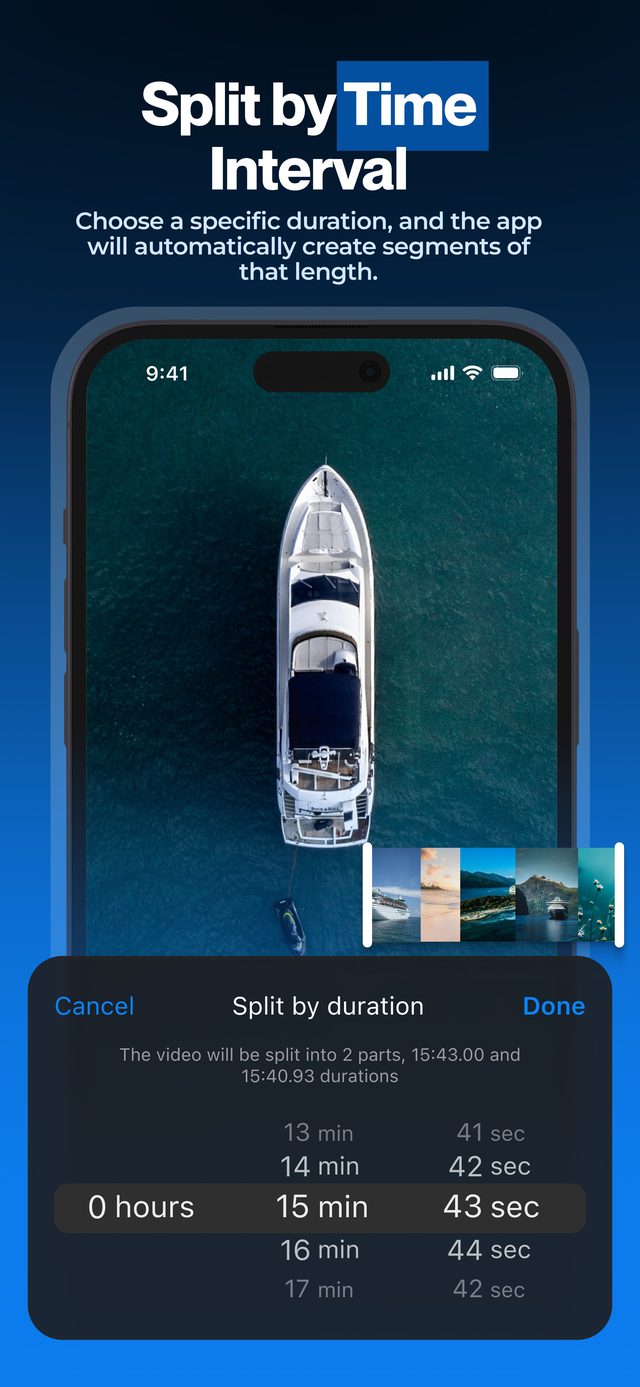
Enter the number of parts and every segment comes out the same length — the format TikTok viewers expect from a series.
Frequently asked
How long can a TikTok video be in 2026?
Up to 60 minutes when uploading a pre-recorded video and 10 minutes when recording in the app. Very few long videos get watched to the end, which is why series of short parts outperform them.
Why split instead of posting one long video?
TikTok's algorithm heavily weighs completion rate. Ten 30-second parts that people finish will almost always out-reach one 5-minute video that people abandon.
What is the ideal part length?
Data studies put the viral sweet spot at roughly 21–34 seconds. Use split-by-time at 30 seconds as a starting point and adjust cuts manually.
Does the app add its own watermark?
No. Exports are clean. With Pro you can add your own watermark — your handle, your logo — to every part.
Should I post all parts at once?
Most series creators stagger parts a few hours or a day apart, pinning Part 1. The comment demand for the next part fuels the algorithm.
Can TikTok split a long video into parts itself?
TikTok Studio on the web has Smart Split, which uses AI to cut videos longer than a minute into short clips. In the app, the Split tool only cuts clips inside one post. To decide exactly where each part ends — and keep the parts for other platforms — split on your iPhone first.
More ways to split
Start splitting videos in seconds.
Free download. No account required. Works offline.
Download on theApp Store