Turn long videos into Reels-ready clips
Reels can now run up to 20 minutes — but Instagram doesn't recommend Reels longer than 3 minutes to people who don't follow you, and short Reels still get the best reach.
Instead of letting good footage rot in your camera roll, split one long recording into a week's worth of tight, publishable Reels — in a couple of minutes, on your phone.
Instagram Reels limits in 2026
The numbers that matter before you cut.
| Max Reel length | 20 minutes |
|---|---|
| Recommended to non-followers | Only Reels up to 3 minutes |
| Recommended split interval | 60–90 second parts |
| Format | Vertical 9:16 |
Checked in October 2026. Instagram raised Reels from 90 seconds to 3 minutes in January 2025 and to 20 minutes later that year, but recommendations to new audiences still stop at 3 minutes.
How to split a long video into Reels
Pick your footage
Import any video from your library or Files — a talk, a vlog, a tutorial, up to 4K.
Choose your interval
Tap Duration and set 90 seconds — or tap Parts if you already know how many Reels you want.
Tighten every cut
Use the interactive slider or type timecodes like 00:01:30.000 so each Reel starts on a hook.
Export & schedule
Save the numbered clips to Photos and post them as a series over the week.
One shoot, a week of content
Built for batching
Record once, split into 5–10 Reels, and your content calendar is done. No timeline editing, no desktop.
Frame-exact timecodes
Start each Reel exactly on the beat — type start and end down to the millisecond.
Your watermark, not ours
Add your own logo to every exported clip (Pro). The app never stamps its own logo on your video.
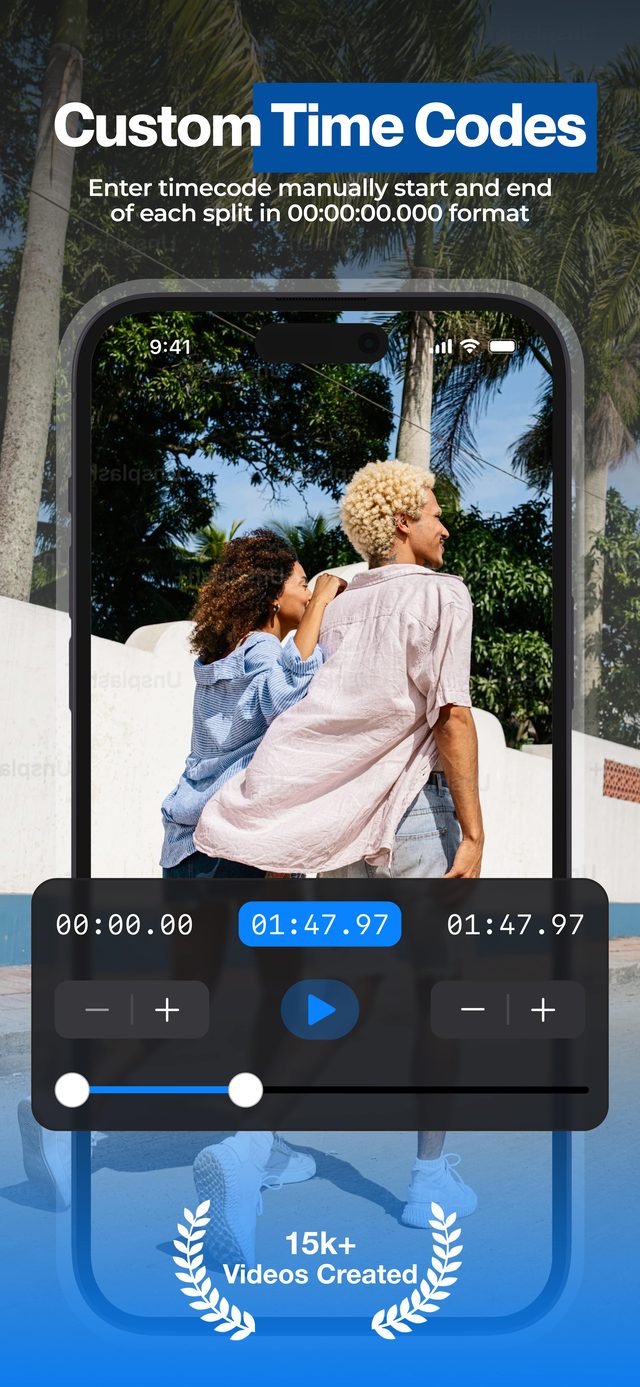
Creators use the timecode mode to cut interviews and talking-head videos into Reels that start mid-hook — the single biggest factor in whether viewers stay.
Frequently asked
How long can an Instagram Reel be in 2026?
Up to 20 minutes. But Reels longer than 3 minutes aren't recommended to new audiences, so for reach keep each part under 3 minutes — or under 90 seconds.
What length performs best?
Reels under 90 seconds consistently get the widest recommendation reach. Splitting a long video into 60–90 second parts is the sweet spot.
Do Part 1 / Part 2 Reels work?
Yes — multi-part series with a cliffhanger at the end of each part are a proven way to convert viewers into followers who come back for the next part.
Will splitting re-encode my video?
Often not at all: H.264 videos, and iPhone HDR videos with HDR Video (Pro) on, are copied without re-encoding. Otherwise the parts are exported at the highest quality setting, keeping resolution and frame rate.
Can I export the parts without sound?
Yes — switch on Mute Audio (Pro) in the export settings. It is handy when the footage has background noise or music you cannot license.
More ways to split
Start splitting videos in seconds.
Free download. No account required. Works offline.
Download on theApp Store