Split any video into parts in seconds.
By time, by number of parts, or with exact timecodes — keep 4K quality and stay 100% on‑device. Perfect for Stories, WhatsApp Status, Reels, Shorts and TikTok.

Everything you need to split, nothing you don't.
Designed to be the fastest way to cut long footage into clean, social‑ready segments.
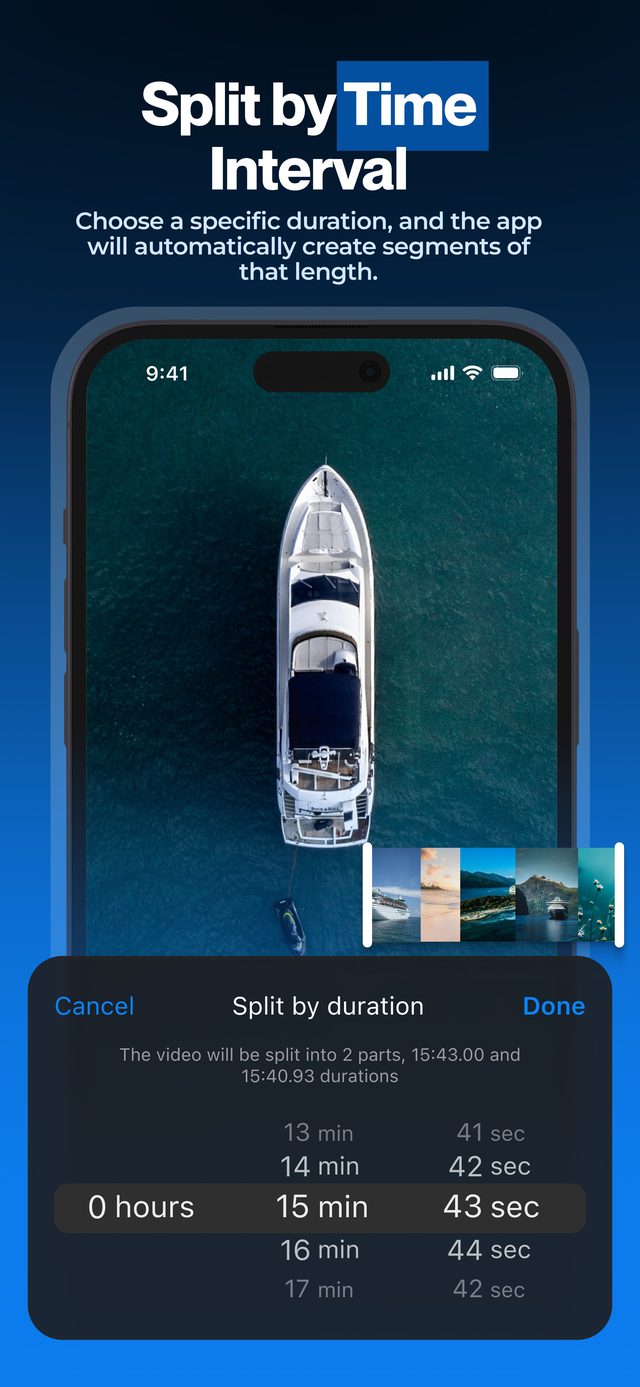
Split by time
Pick any interval — 30s, 60s, 90s — and the app slices the whole video automatically.
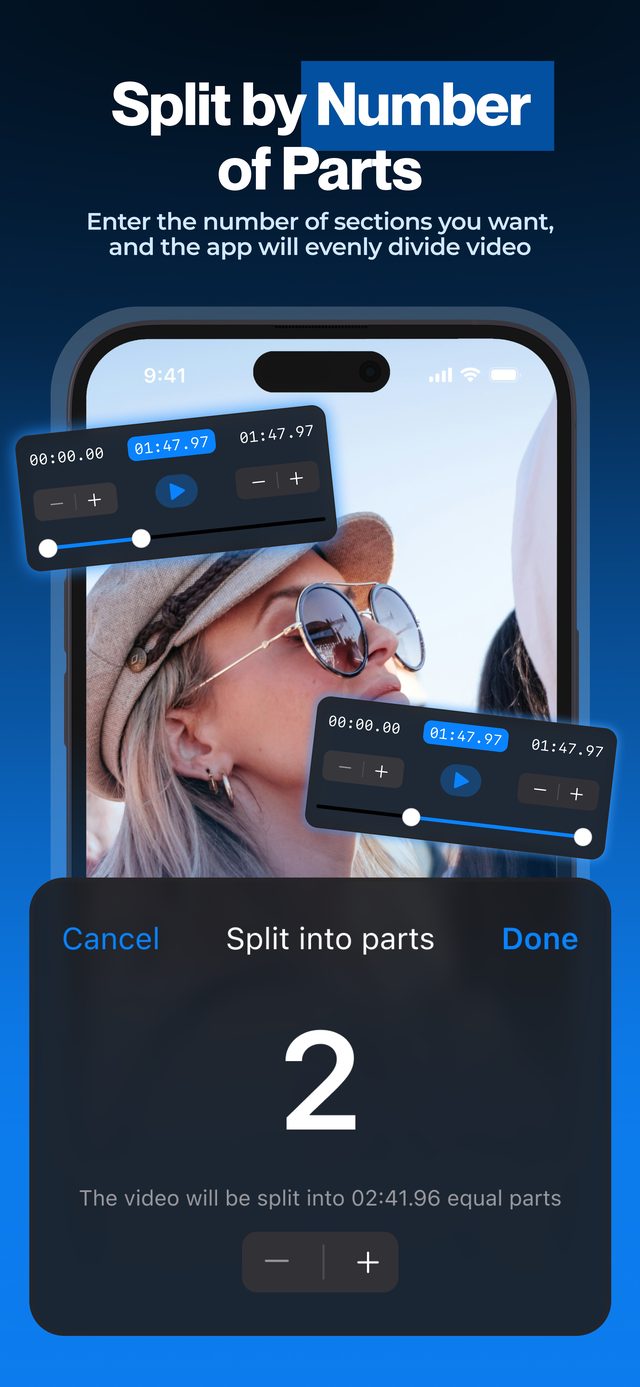
Split by number of parts
Enter how many parts you want — get evenly divided segments instantly.
Manual splitting
Drag the interactive range slider to set custom start and end of every cut.
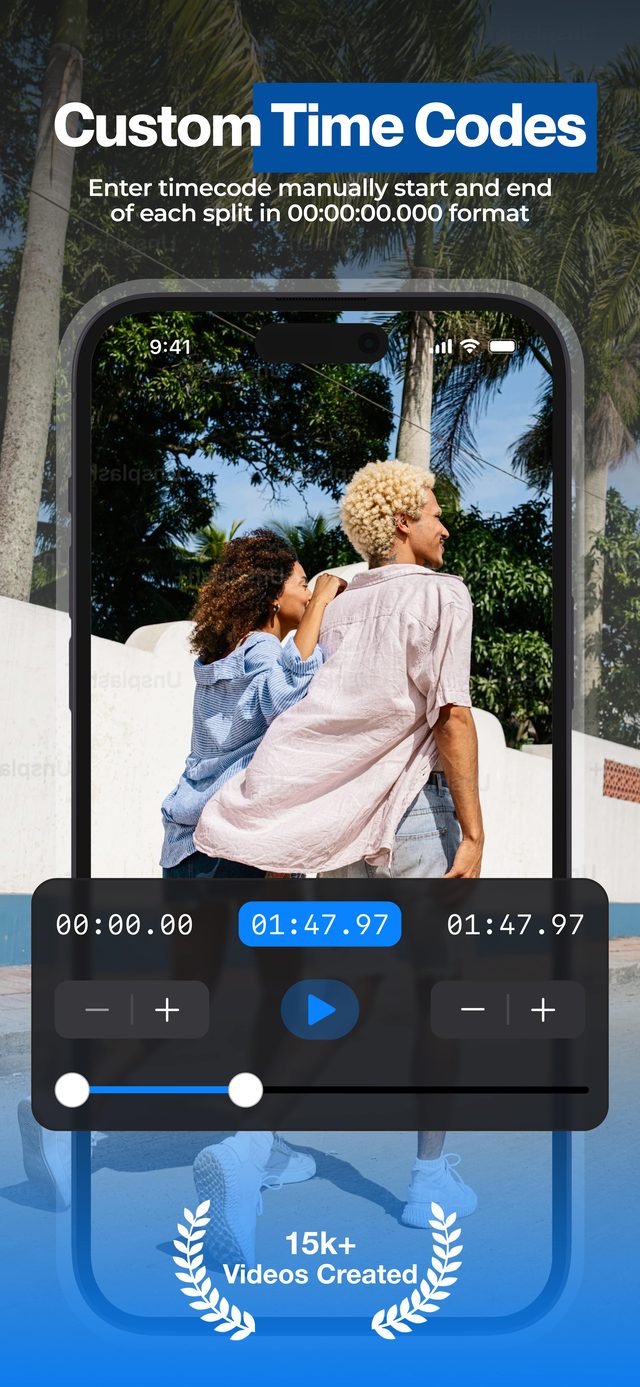
Frame‑exact timecodes
Type start/end manually in 00:00:00.000 format for precise edits.
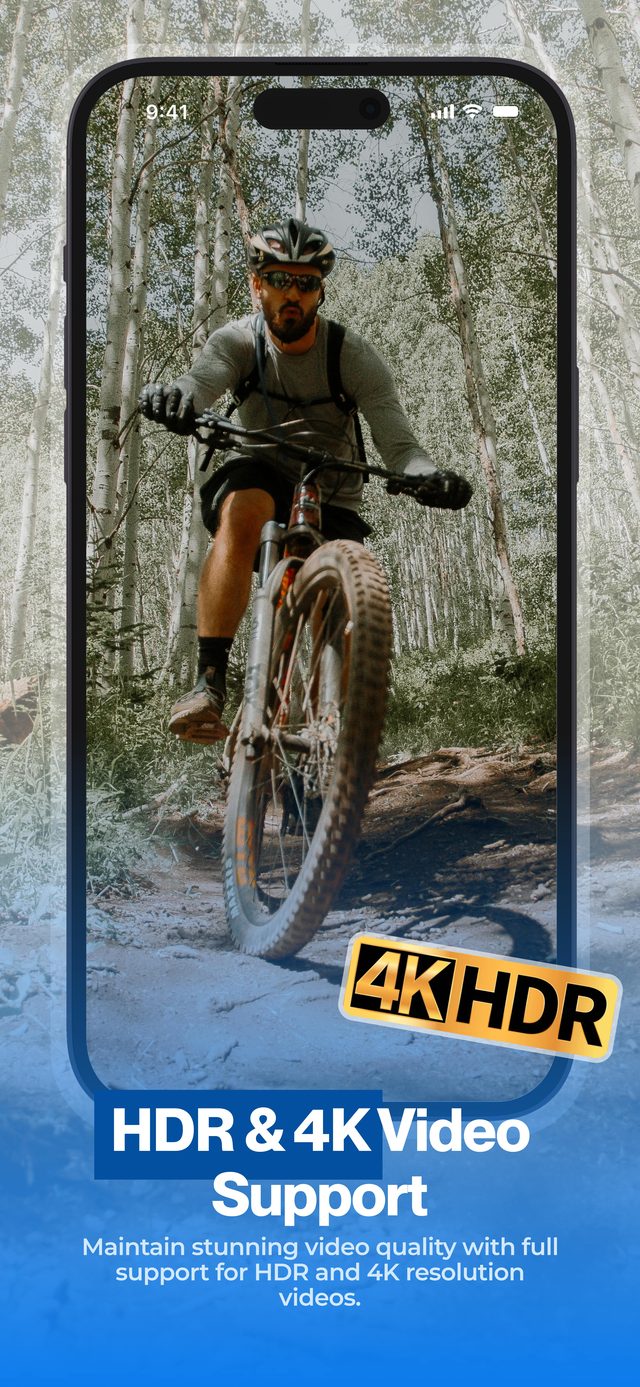
4K & HDR quality
Parts keep the original resolution and frame rate. Turn on HDR Video (Pro) to keep iPhone HDR as shot.
100% on‑device
Nothing uploaded. All processing happens locally — your video never leaves your device.
Projects auto‑save
Splits and timings persist — come back any time and keep editing.
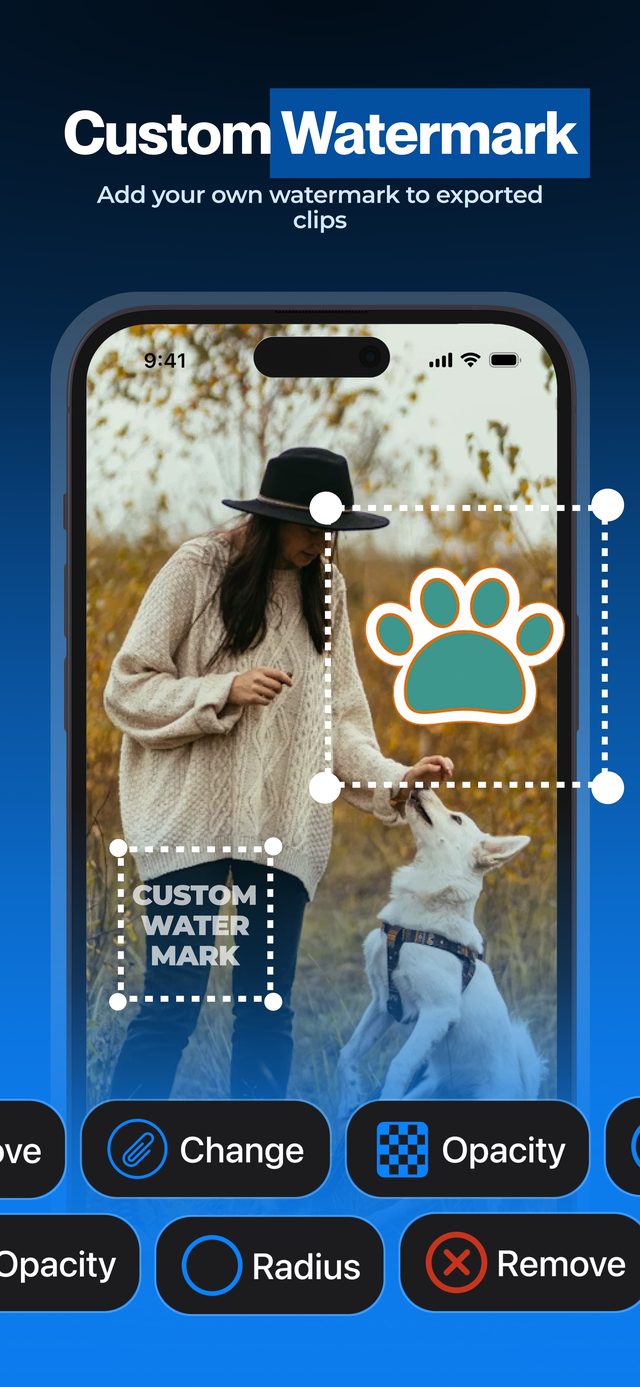
Custom watermark Pro
Put your own logo on every exported part — set its position, size, corners and opacity.
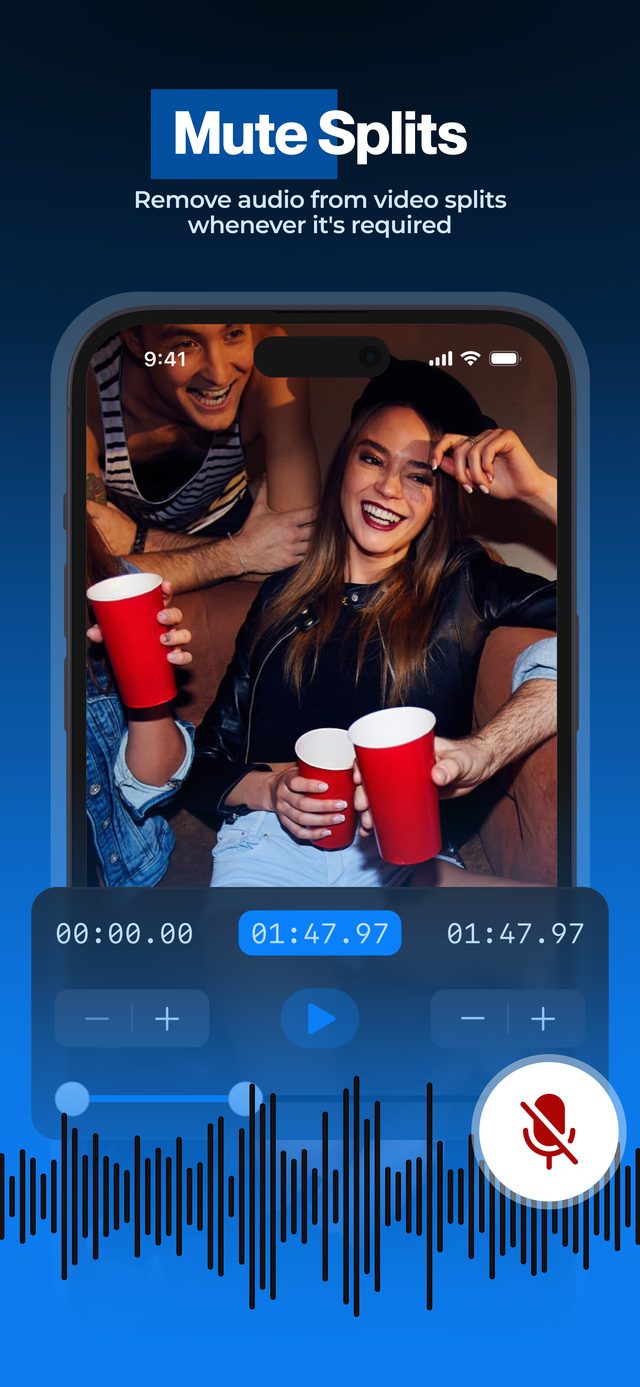
Mute Audio Pro
Export the parts without sound when you need silent clips for repurposing.
Three taps from a long video to clean clips.
Pick a video
From your photo library or Files, iCloud Drive included. 4K and HDR welcome.
Choose split mode
By time, by number of parts, or manual range selection.
Export & share
Save to Photos or share directly to Reels, Shorts, TikTok.
One splitter, every platform.
Every platform has its own limits. Pick your workflow — each guide covers the current rules and the fastest way to cut for them.
Instagram Stories
Cut any video into 60-second slides that post in perfect order.
WhatsApp Status
Fit any video into WhatsApp's 90-second Status limit.
Long videos on WhatsApp
Send big videos in parts under WhatsApp's 2 GB limit.
Instagram Reels
Turn long footage into Reels-ready clips under 3 minutes.
TikTok series
Build Part 1 / Part 2 series that keep viewers coming back.
YouTube Shorts
Slice long videos into Shorts up to 3 minutes long.
Telegram
Get big files under Telegram's 2 GB cap without compressing.
How to split a video on iPhone
Three ways to cut any video into parts — right on your phone.
Split in half
Two parts of exactly the same length, cut at the midpoint.
Equal parts
Divide a video into 2, 3, 10 or 100 identical parts.
Split into 30-second clips
Automatic 15, 30, 60 or 90-second clips from any footage.
Split hours-long videos
1-hour lectures or 7-hour streams — split entirely on-device.
No quality loss
Keep 4K resolution, frame rate and HDR when you split.
Video splitter without watermark
Clean exports with no forced logo — add your own branding instead.
Sports & training
Chop practice footage into per-swing, per-rep clips.
Podcast clips
Turn full episodes into share-ready social clips.
4.6 on the App Store.
Real reviews from creators around the world.
Perfect app and does exactly as needed
"Been looking for a way to split a long video to meet upload requirements and this app makes it efficient! Everything is done on device without needing desktop computer. Easily splits an hour video within seconds. 7 hour video took about 10–15 minutes, which is excellent."
Excellent
"This is a very simple app, yet it does its job perfectly. Split a video in a fixed number of parts, split it in parts of a given duration or just split it whenever you want. It's all super‑easy, and cherry on top, the app is free & super small. It should be more famous!!"
Muito Bom!
"Recomendo! Agiliza e muito o trabalho! Parabéns!"
"Highly recommend! It speeds up the work a lot. Congratulations!"
골프연습영상 자르기로 최고임
"드라이빙레인지에서 녹화켜놓고 찍어뒀던 각 샷 영상 자르는데 사용하니깐 정말 편합니다."
"Super convenient for cutting up each shot from videos I recorded at the driving range."
Easy to Use
"Does exactly what it says and does it well. So user friendly. Thank you for making this."
Perfect
"Everything you need."
Free to try. Unlock Pro when you need it.
Pro is a weekly, monthly or yearly subscription, managed by the App Store. Cancel any time.
Download and try
- All three ways to split: by time, by number of parts, by timecodes
- Short videos
- Save parts to Photos or share them
- No watermark on your parts
When your videos get long
- Videos of any length, any number of parts
- HDR Video export
- Mute Audio
- Your own watermark
Frequently asked
Does the app work offline?
Yes. All processing happens on your device. Nothing is uploaded.
Will I lose video quality?
Parts keep the original resolution and frame rate, up to 4K. Turn on HDR Video (Pro) to keep iPhone HDR — and many videos are then copied without re-encoding at all.
How long can my video be?
With Pro there is no limit — users have split 7‑hour videos in 10–15 minutes. The free version splits short videos.
Which devices are supported?
iPhone & iPad on iOS 16+, Mac with Apple Silicon on macOS 13+, and Apple Vision Pro on visionOS 1+.
Is Split Video Into Parts free?
Yes, it is free to download, and you can split short videos for free. Pro removes the limits on video length and number of parts and adds HDR export, muting and your own watermark.
Can I cancel the subscription?
Yes, any time from your App Store subscriptions.
Can it put two videos side by side?
No — Split Video Into Parts cuts one video into several shorter ones. To put videos side by side or in a split screen, try our other app, Video Grid Collage.