Split videos without losing quality
Most mobile editors quietly re-encode everything on export: banding creeps into skies, fine detail goes soft, HDR gets flattened to washed-out SDR. Then the platform you upload to compresses it again.
Split Video Into Parts keeps the resolution and frame rate of your original when it cuts, and with the HDR Video switch your iPhone's HDR stays HDR. Often the parts are not re-encoded at all.
What “no quality loss” means here
The specifics, not the marketing.
| Resolution & frame rate | Same as the original, up to 4K |
|---|---|
| iPhone HDR (HEVC) | Stays HDR with HDR Video (Pro) — copied without re-encoding |
| H.264 videos | Copied without re-encoding |
| Processing | On-device — no cloud transcoding step |
Without HDR Video, HDR videos are exported in standard dynamic range at the highest quality setting.
How to split without quality loss
Import the original
Work from the source file in Photos or iCloud Drive — not a version already exported through another editor.
Split any way you like
By time, by number of parts, or manually with the slider and exact timecodes.
Turn on HDR Video
Tap Export. If your video is HDR, switch on HDR Video (Pro) in the export settings, then export.
Verify it yourself
Open a part in Photos and check the info panel: resolution and frame rate match your original.
Where quality usually dies — and doesn't here
No cloud round-trip
Online splitters upload, transcode on a server, and hand you back a compressed file. Here nothing leaves the device.
HDR stays HDR
With HDR Video on, bright skies and neon nights keep their range instead of being flattened to SDR.
Often no re-encode at all
H.264 videos, and HDR videos with HDR Video on, are copied part by part — the pixels are the original ones.
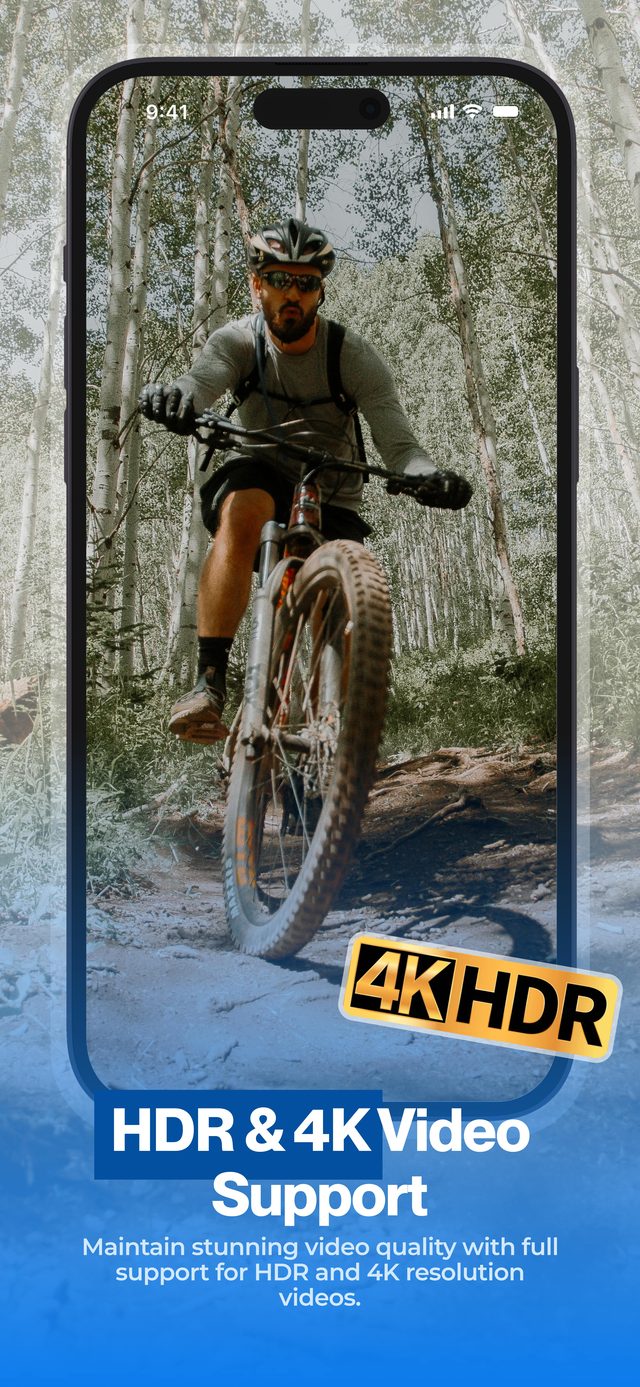
Shoot in 4K HDR, split into parts, keep HDR Video on — and every part carries the original image, verifiable in the Photos info panel.
Frequently asked
How does the app keep full quality?
When it can, it copies the original video data into each part without re-encoding: always for H.264 videos, and for iPhone HDR videos when HDR Video is on. Otherwise it exports at the highest quality setting, keeping resolution and frame rate.
Do other apps really degrade video when splitting?
Many do — re-encoding at a lower or default bitrate is common, and cloud-based tools compress twice: once on upload, once on processing.
What happens to HDR without Pro?
The parts are exported in standard dynamic range (SDR) at the highest quality setting. Resolution and frame rate stay the same. The HDR Video switch that keeps HDR is part of Pro.
Will HDR survive posting to Instagram or TikTok?
With HDR Video on, the app hands the platform a full-quality HDR part. What the platform does next is its own pipeline — but you have avoided adding a second layer of loss.
Are the split parts the same file size per minute as the original?
When a part is copied without re-encoding, yes — a 10-minute 4 GB video splits into parts totaling roughly 4 GB. Re-encoded parts can be a little smaller or larger.
More ways to split
Start splitting videos in seconds.
Free download. No account required. Works offline.
Download on theApp Store