Split large videos for Telegram
Telegram is generous with video, but files still cap out at 2 GB — 4 GB with Premium. A long 4K recording blows past that fast, and compressing it into one file throws away the quality you shot it in.
Splitting is the better trade: cut the video into parts that each fit under the limit and send them in original quality.
Telegram upload limits in 2026
File size, not length, is the constraint here.
| Max file size | 2 GB (free) / 4 GB (Premium) |
|---|---|
| Video length limit | None — size is what matters |
| Strategy | Split by number of parts until each is under the cap |
| Quality | Original resolution and frame rate |
A rough guide: one minute of iPhone 4K at 60 fps is about 400 MB, so roughly 5 minutes fits in 2 GB. ProRes recordings are many times larger.
How to send a huge video on Telegram
Import the big file
Screen recordings, lectures, event footage — straight from your library or Files.
Split by number of parts
Tap Parts. A 7 GB video? Choose 4 and each part lands around 1.75 GB — under the free cap.
Adjust if needed
Move any boundary with the slider, or choose one more part if a segment is still too large.
Export & send
Share each part to the chat or channel. Recipients watch them in order, in full quality.
Why split beats compressing
No quality sacrificed
Compression squeezes the whole video into one blurry file. Splitting keeps the original resolution and frame rate and only changes where the video is cut.
Channel-friendly episodes
Long tutorials work better as a numbered series of posts anyway — easier to navigate, easier to reference.
Handles marathon files
Users have split 7-hour recordings on-device with Pro. Big files are the point, not the problem.
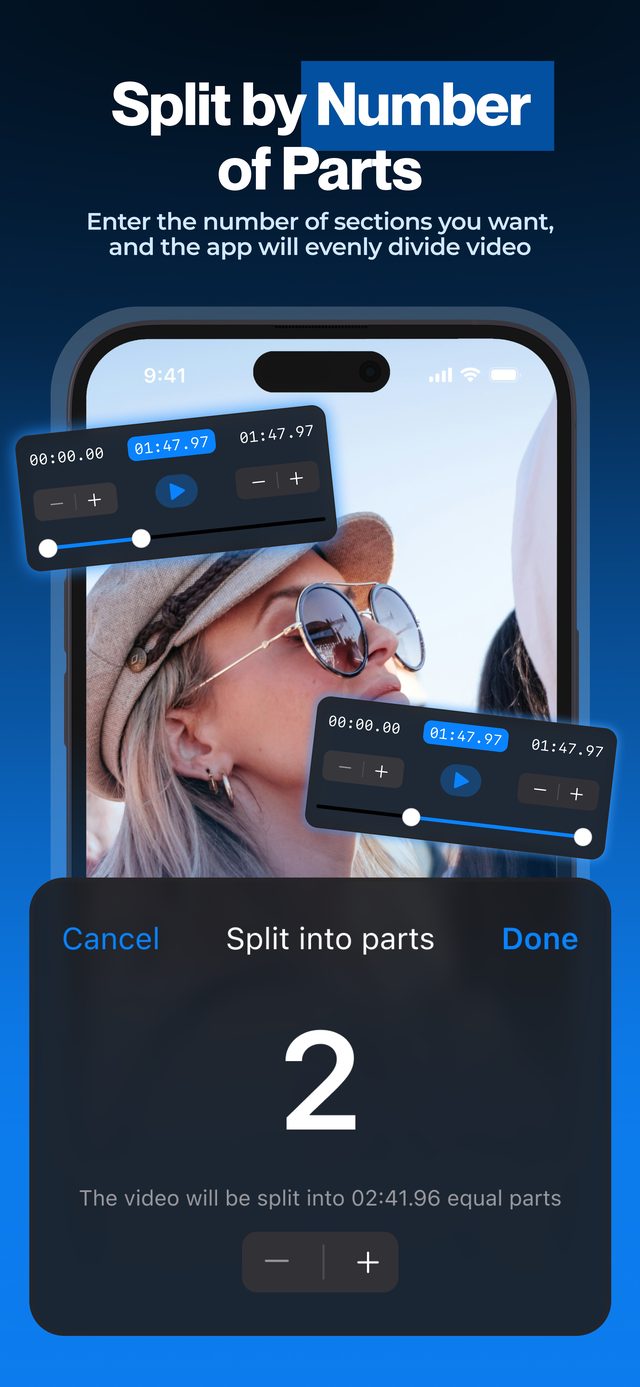
Type the number of parts and check the durations — each segment exports as its own file, ready to drop into any chat or channel.
Frequently asked
What is Telegram's video size limit in 2026?
2 GB per file on free accounts and 4 GB with Telegram Premium. There is no meaningful length limit — only file size.
Is it better to split or compress a large video?
Split. Compression lowers the quality of the whole video to hit the size target. Splitting keeps the original resolution and frame rate across several files.
How many parts do I need?
Divide your file size by 1.8 GB and round up — the margin keeps every part safely under the 2 GB cap. The app shows each part's duration as you adjust.
Can recipients merge the parts back?
They can watch parts sequentially in the chat, which is what most people want. Re-joining into one file requires a desktop tool.
Does this work for screen recordings and lectures?
Yes — long screen recordings are one of the most common uses. Everything processes on-device, even multi-hour files (long videos need Pro).
More ways to split
Start splitting videos in seconds.
Free download. No account required. Works offline.
Download on theApp Store